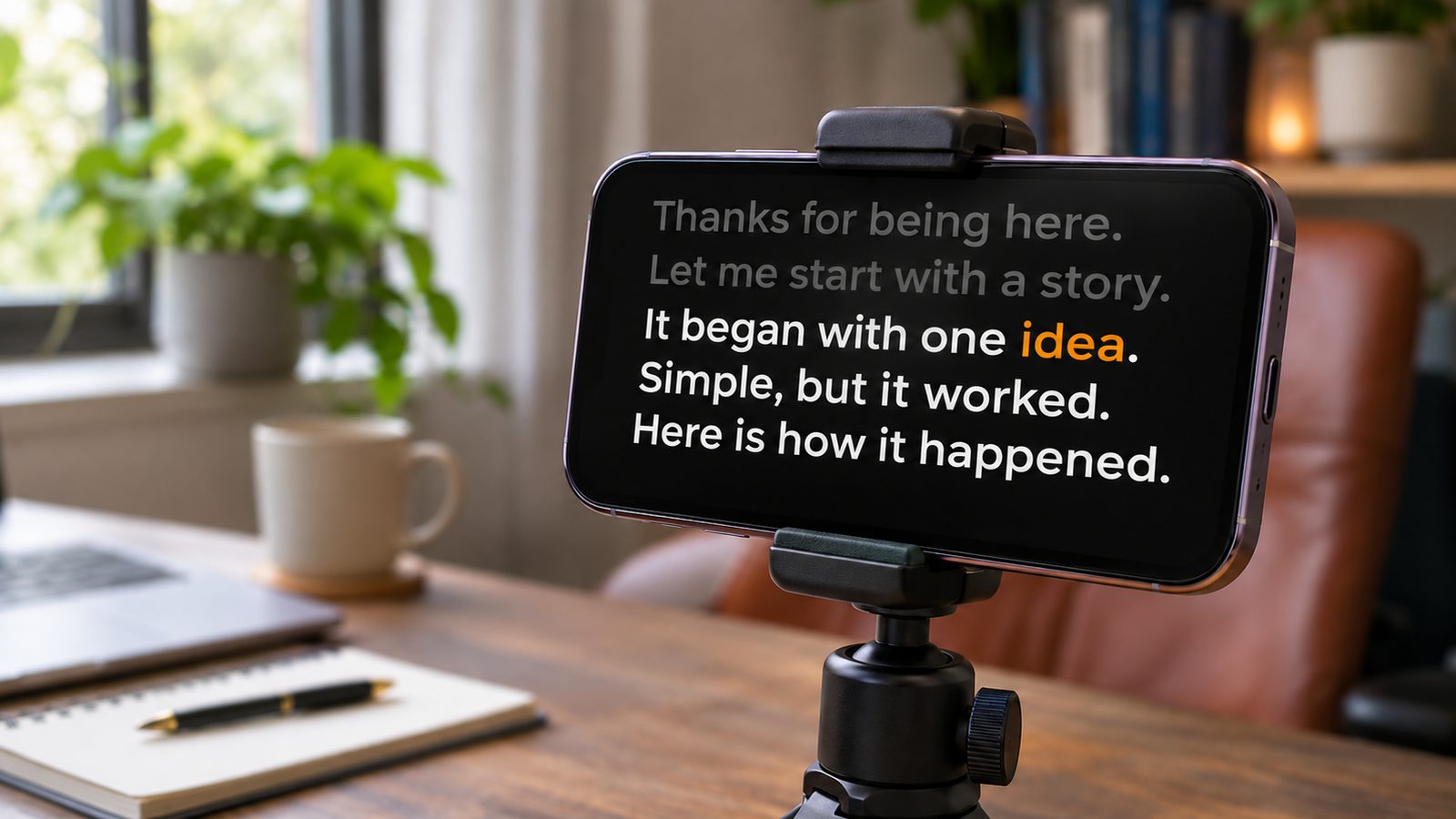
Something has to move the text. There are three ways to do it, and the honest answer is that each wins somewhere.
Short version: auto scroll for clips under a minute, a foot pedal if you’re in a noisy environment or a studio, voice scrolling for everything else.
Auto scroll
Fixed speed. Set it, press play, keep up.
It’s genuinely the right choice for short pieces. Under about sixty seconds your pace doesn’t drift much, so a constant speed is close enough, and there’s nothing to set up or grant permission to.
It falls apart on length. Your speaking rate moves 10–20% across a longer take. Faster in a rehearsed intro, slower where you’re thinking, faster again when nerves arrive. A constant is wrong against that, and being wrong in either direction has a cost:
Set slightly fast
You read ahead to catch up, which makes you faster, which widens the gap.
Set slightly slow
You wait for text. Emphasis flattens out and delivery goes even.
It’s also the only option that works with no microphone at all, which matters more than it sounds. See the noise section below.
Foot pedals
Press to scroll, release to stop. Some support variable pressure.
This is a real solution, not a legacy one. You get exact control, you can hold a pause indefinitely, and it depends on nothing except a cable. In a studio, or outdoors near traffic, or anywhere speech recognition would struggle, a pedal is the most reliable thing available.
The costs are practical rather than fundamental. There’s hardware to buy and carry, usually $30–100. Standing delivery gets awkward, and most mobile setups don’t support a pedal at all.
The subtler cost is that a part of your attention now lives in your foot. It’s small, and it’s still attention subtracted from what you’re saying.
If you record in one place with the same rig every time, none of that matters much.
Voice scrolling
Speech recognition matches what you’re saying to the script and advances the text to match. Pause and it waits. Speed up and it follows.
The advantage is structural: there’s no speed to get wrong. Calibration stops being a question at all, and the attention you were spending on it comes back.
The costs are real too. It needs a working microphone, which rules out some setups outright. Heavy background noise degrades it: modern engines cope with a café, not with a building site. And depending on the engine, strong accents or switching between languages mid-sentence can affect tracking.
Test it once in the room you actually record in. That answers all three questions in about a minute, and it’s the only test that counts.
Which one, by situation
| Situation | Use |
|---|---|
| Clip under 60 seconds | Auto scroll |
| Studio with an operator | Foot pedal |
| Loud environment, outdoors | Foot pedal or auto scroll |
| No microphone available | Auto scroll |
| YouTube, courses, presentations | Voice scrolling |
| Video calls and live streams | Voice scrolling |
| Recording on a phone | Voice scrolling |
Auto scroll asks you to keep time. A pedal asks for your foot. Voice scrolling asks for a quiet-ish room.
The honest summary
If you record regularly and your room is reasonably quiet, voice scrolling removes the most friction: no hardware, no calibration, nothing competing for your attention.
In a loud environment, or anywhere you can’t use a microphone, a foot pedal wins by a wide margin. Anyone telling you otherwise is selling something.
We build VoiceCue, which does the third one. If you’re recording in a workshop or by a main road, buy a pedal instead — it’ll serve you better.