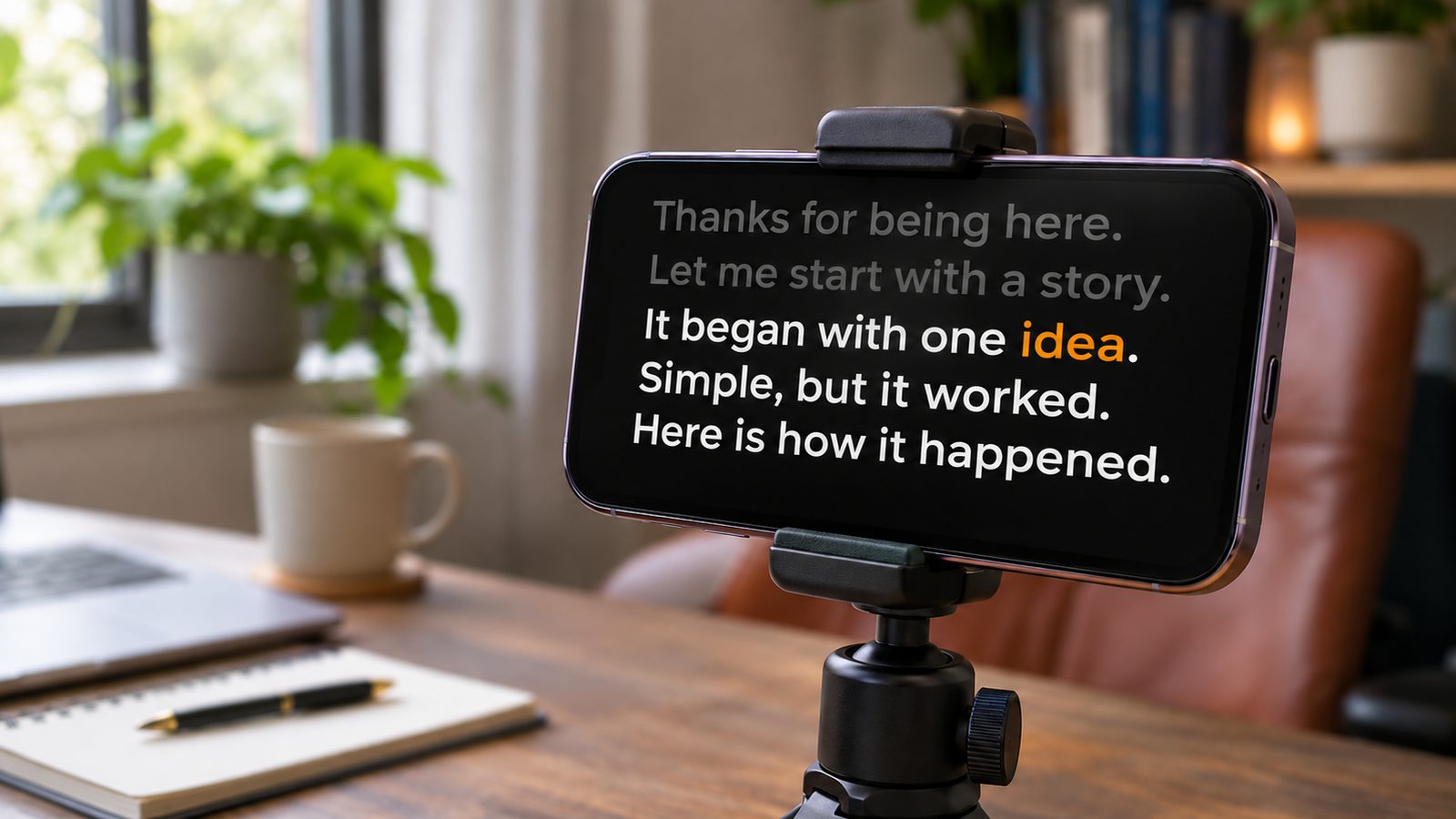
Most of what makes a teleprompter read as obvious happens before you press record. Script written like an essay, font too small, text too far from the lens. By the time you’re performing, the outcome is mostly decided.
Six things, roughly in the order they matter.
Write it to be said, not read
The biggest single cause of robotic delivery is a script written as prose.
Written English tolerates long subordinate clauses because the reader can go back. Spoken English can’t — your listener gets one pass, and you need breath for every clause. A sentence that reads fine and takes two breaths to say will break under any pressure at all.
Three rules cover most of it:
- One idea per sentence. If it needs a semicolon, it’s two sentences.
- Contractions everywhere. “Don’t”, not “do not”. Nobody says “do not”.
- Read the whole thing aloud before recording.
That last one does the most work. Every sentence you stumble over is one you’d never have constructed while talking, and the repair is almost always the same move: find the clause doing the extra work and make it its own sentence.
Get the font big enough
Counterintuitive, because more text on screen feels safer. It isn’t.
Small text means long lines, and long lines mean your eyes sweep further left-to-right. That sweep is the single most visible sign that someone is reading — more visible than looking slightly off-camera.
Aim for 5–7 words per line. If you can’t comfortably read the script from where you’ll actually be sitting, the font is too small.
Put the text near the lens
Your reading area wants to be within about 5–7° of the camera. In practice:
~7cm at arm’s length
~12cm at 1 metre
~25cm at 2 metres
Sitting further back is the cheapest fix available. Distance buys room for the same visual angle. Almost nobody reaches for it; they fiddle with window positions instead.
On a laptop, put the script at the very top of the screen. A full-screen document puts your eyes mid-display, well outside the tolerance.
Learn your first and last lines
Not the whole script. Just the bookends.
Your opening is where a viewer decides whether to keep watching, and it’s the moment you’re most likely to be visibly reading. Knowing it cold lets you start with real eye contact.
The close matters for the opposite reason: scripted endings trail off, because you can see the text running out. Knowing the last line lets you land it.
Everything in between can lean on the script.
Pause more than feels comfortable
Silence feels far longer to the person leaving it than to the person hearing it. A pause that feels awkwardly long to you reads as confidence to a viewer.
This is the one thing fixed-speed scrolling actively punishes, because the text keeps moving while you’re being deliberate. If your prompter won’t wait, mark your pauses and shorten the surrounding sentences so you can afford them.
Before your first real take
Record thirty seconds and watch it back. Can you see your eyes scanning? Is the text readable without leaning in? Does the opening line sound like you? Everything else can be fixed later.
Keep the first take you were going to delete
Most people improve for two or three takes and get worse after that. By the fourth you’ve heard the words often enough to stop meaning them, and what replaces the early fumbling isn’t polish, it’s recitation.
If you’re on take six, the problem usually isn’t your delivery. It’s a sentence in the script that you cannot say, and no amount of repetition will fix it. Find it and rewrite it.
We build VoiceCue. It follows the words you’re saying instead of running at a fixed speed, so pausing for emphasis doesn’t leave you behind the text.